












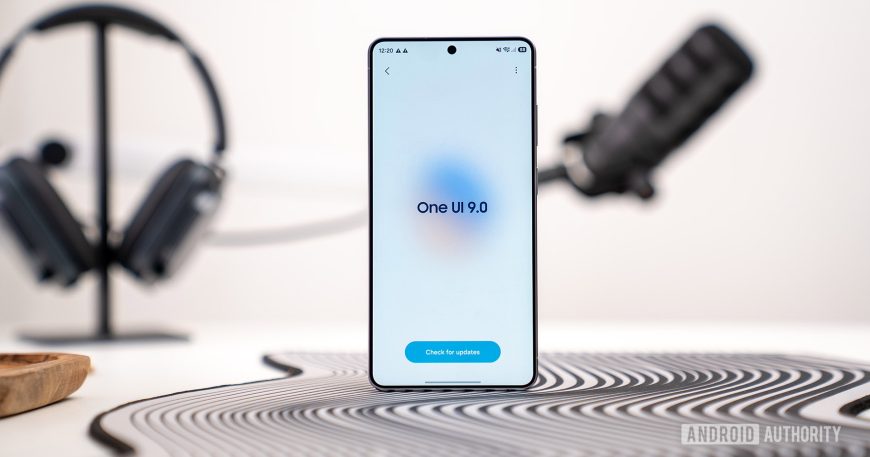
Paul Jones / Android AuthorityTL;DR Samsung appears to be working on a new One UI 9 feature that will let users block internet access for distracting apps. It also includes PIN protection and scheduled Downtime controls, suggesting Samsung could be building a parental-control and productivity hybrid tool. Update: May 14, 2026 (12:39 AM ET): We’ve updated our article below with screenshots of the new feature, which now seems to be available through Connectivity Labs in the official One UI 9 beta.Thanks, Dylan H., for the screenshots and for confirming the feature’s availability. Original article: May 13, 2026 (11:38 PM ET): Samsung could be preparing a new productivity-focused feature for One UI 9, and it looks like the company may want to help users fight distractions at the network level instead of relying only on app timers. We discovered code for this experimental focus feature in One UI 9 as part of Samsung’s Connectivity Labs, a hidden Wi-Fi menu on Samsung’s phones that appears after repeatedly tapping the “Intelligent Wi-Fi” button in Settings.The code strings reveal that the feature is designed to block internet access to distracting app categories such as social media, games, streaming apps, and others. The most telling set of strings we found about the feature is titled “Network management for concentration,” describing the tool in great detail.CodeNetwork management for concentrationReduce distractions from videos, social media, and games to improve concentration on work and study.That wording strongly suggests Samsung is developing a system that can selectively restrict internet access for distracting apps or categories of apps. Unlike traditional Digital Wellbeing tools that simply limit screen time, this appears to work directly through network controls. The code also references several predefined restriction buckets shown in the screenshots above. There include: Browser Game Social Streaming Other Preset When choosing what to restrict, users will see their apps organized into categories to speed up the process. Interestingly, Samsung also seems to be building this feature with some safeguards. We found multiple strings related to setting up and managing a six-digit PIN, including prompts for PIN confirmation, recovery, resets, and handling incorrect entries.CodeManage PINEnter 6 digits.Enter your saved PIN to continue.


